Operators - C++ Tutorial
Last modified - 24-07-2026
Author - Krishna Shinde
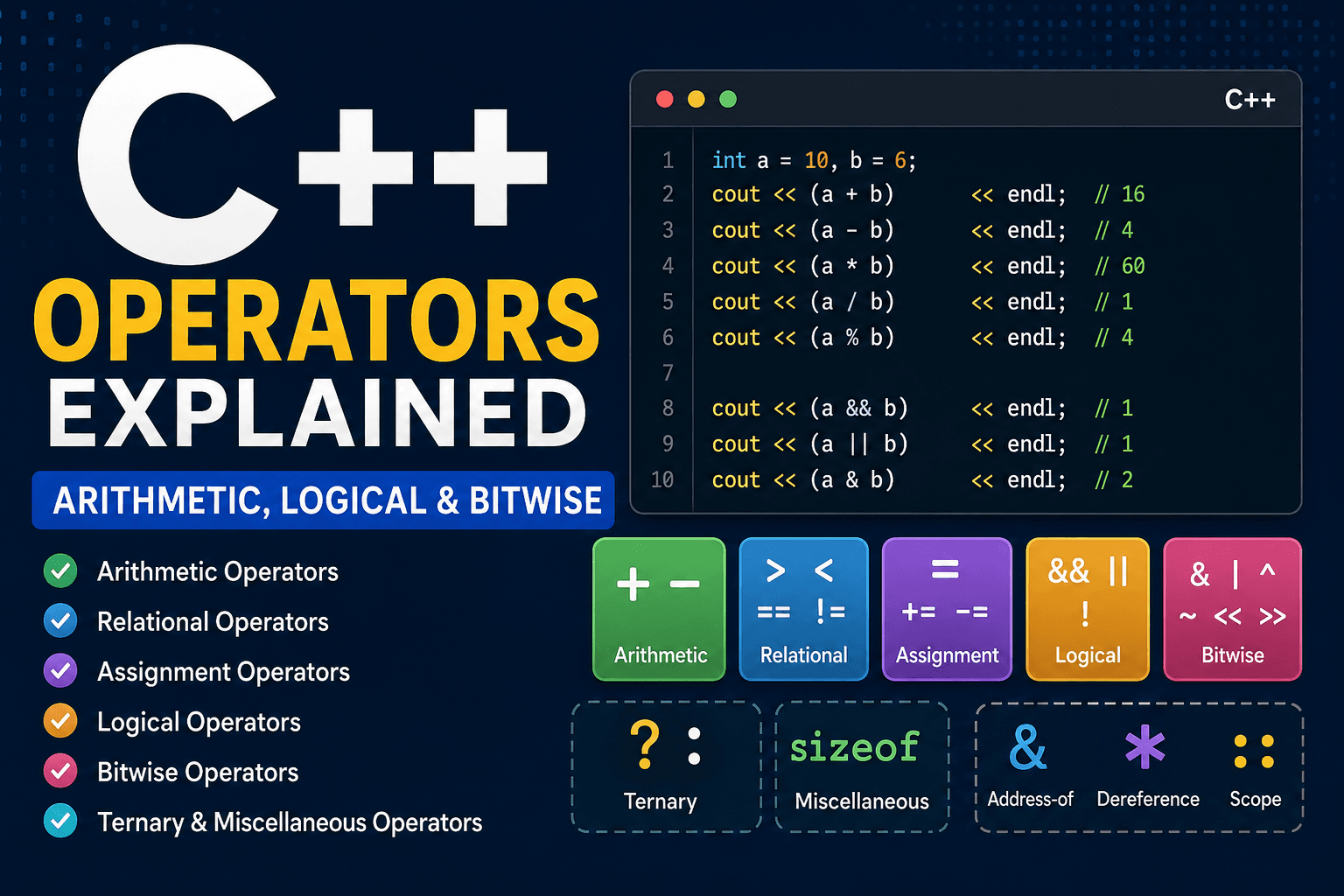
Operators are one of the important topics in a programming language. They tell the compiler what to do with your data. C++ has a rich set of operators, and understanding how they behave (especially around type conversions and edge cases) will save you from some of the most common problems in the language. In this C++ tutorial, we'll go deep in all core types of operators: arithmetic, logical, relational, assignment, bitwise operators and some of the Miscellaneous operators.
Arithmetic Operators
These are the basic mathematical operators you have learned in your school, some of them behave differently in a few cases.
| Operator | Meaning | Example |
|---|---|---|
| + | Addition | a + b |
| - | Subtraction | a - b |
| * | Multiplication | a * b |
| / | Division | a / b |
| % | Modulus (remainder) | a % b |
| ++ | Increment | a++, ++a |
| -- | Decrement | a--, --a |
int main() {
    int a = 10, b = 6;

    // Addition
    cout << "a + b = " << (a + b) << endl;

    // Subtraction
    cout << "a - b = " << (a - b) << endl;

    // Multiplication
    cout << "a * b = " << (a * b) << endl;

    // Division
    cout << "a / b = " << (a / b) << endl; // Will print 1
    cout << "5 / 2 = " << (5.0 / 2.0) << endl; // Will print 2.5

    // Modulo
    cout << "a % b = " << (a % b) << endl;

    // Increment
    cout << "a++ = " << a++ << endl;
    cout << "++a = " << ++a << endl;

    // Decrement
    cout << "b-- = " << b-- << endl;
    cout << "--b = " << --b << endl;

    return 0;
}
Integer vs. Floating-Point Division
The division operator behaves differently depending on the type of operand:
int a = 7, b = 2;
double x = 7.0, y = 2.0;

cout << a / b << endl; // 3 (integer division, truncates)
cout << x / y << endl; // 3.5 (floating-point division)
The Modulus Operator
In C++ the modulus operator only works on integers, it will cause compilation error if it is used with any other data type.
cout << 10 % 3 << endl;  // 1
cout << -10 % 3 << endl; // -1 (sign follows the dividend in C++)
Increment and Decrement
C++ also has increment and decrement operators in both prefix and postfix forms.
int i = 5;
int j = 5;

cout << i++ << endl; // prints 5, then i becomes 6
cout << ++i << endl; // i becomes 7, then prints 7

cout << j-- << endl; // prints 5, then j becomes 4
cout << --j << endl; // j becomes 3, then prints 3
Prefix increment operator (++i) increments first and then returns the new value while postfix increment operator (i++) returns the original value and increments it later. Same goes with the prefix decrement operator (--j) and postfix decrement operator (j--). In loops which have iterators, prefer prefix increment or decrement operator because postfix increment may create a temporary copy of the iterator to preserve the original value.
Relational Operators
Relational (comparison) operators compare two values and produce a bool result (true or false).
| Operator | Meaning | Example |
|---|---|---|
| == | Equal to | a == b |
| != | Not equal to | a != b |
| > | Greater than | a > b |
| < | Less than | a < b |
| >= | Greater than or equal to | a >= b |
| <= | Less than or equal to | a <= b |
int a = 10, b = 20;

cout << (a == b) << endl; // 0 (false)
cout << (a != b) << endl; // 1 (true)
cout << (a < b)  << endl; // 1 (true)
cout << (a >= b) << endl; // 0 (false)
Assignment Operators
The plain = operator assigns a value, but C++ also provides compound assignment operators that combine an arithmetic or bitwise operation with assignment in one step.
| Operator | Equivalent To | Example |
|---|---|---|
| = | — | a = b |
| += | a = a + b | a += b |
| -= | a = a - b | a -= b |
| *= | a = a * b | a *= b |
| /= | a = a / b | a /= b |
| %= | a = a % b | a %= b |
| &= | a = a & b | a &= b |
| |= | a = a | b | a |= b |
| ^= | a = a ^ b | a ^= b |
| <<= | a = a << b | a <<= b |
| >>= | a = a >> b | a >>= b |
int score = 100;

score += 20; // score = 120
score -= 5;  // score = 115
score *= 2;  // score = 230
score /= 10; // score = 23
score %= 5;  // score = 3;
The compound assignment operators are often clearer to read and understand, since it keeps the variable being modified front and center rather than repeating it on both sides of =.
Logical Operators
Logical operators work with boolean values, they are used on two or more conditions and the result is a boolean value (true or false), the result depends on the type of logical operator being used.
| Operator | Meaning | Example |
|---|---|---|
| && | Logical AND | a && b |
| || | Logical OR | a || b |
| ! | Logical NOT | !a |
bool a = true;
bool b = false;

// Logical AND Operator
cout << "a && b = " << (a && b) << endl;  // prints false

// Logical OR Operator
cout << "a || b = " << (a || b) << endl;  // prints true

// Logical NOT Operator
cout << "!a = " << (!a) << endl;  // prints false
Short-Circuit Evaluation
This is one of the most important behaviours. C++ evaluates expression from left to right and stops whenever the result is determined.
When you are using && operator and the first value is false then definitely the final result will be false so C++ stops here.
When you are using || operator and the first operand is true the right operator is never evaluated as the final will be true anyhow.
Bitwise Operators
Bitwise operators manipulate individual bits within integer values. They're less commonly used in everyday application code but are essential for systems programming, embedded development, graphics, and performance-critical code.
| Operator | Meaning | Example |
|---|---|---|
| & | Bitwise AND | a & b |
| | | Bitwise OR | a | b |
| ^ | Bitwise XOR | a ^ b |
| ~ | Bitwise NOT (complement) | ~a |
| << | Left shift | a << 2 |
| >> | Right shift | a >> 2 |
How the bitwise operator work in C++
Bitwise operator work on the binary representation of the operand, bit by bit,
int a = 12; // 0000 1100
int b = 10; // 0000 1010

cout << (a & b) << endl; // 0000 1000 -> 8
cout << (a | b) << endl; // 0000 1110 -> 14
cout << (a ^ b) << endl; // 0000 0110 -> 6
cout << (~a) << endl;    // inverts all bits -> -13
Note that ~a gives a negative result for signed integers because it flips the sign bit too.
Shift Operators
Shift operator moves bits left or right, which is equivalent to multiplying or dividing by powers of two:
int x = 5;         // 0000 0101

cout << (x << 1) << endl; // 0000 1010 -> 10 (5 * 2)
cout << (x >> 1) << endl; // 0000 0010 -> 2  (5 / 2, truncated)
Ternary (Conditional) Operator
The ternary operator is C++'s only operator that takes three operands, and is a simple and compact if-else that produces a value.
condition ? value_if_true : value_if_falseint age = 20;
string category = (age >= 18) ? "Adult" : "Minor";
cout << category << endl; // AdultMiscellaneous Operators
C++ has several other operators that are part of the above categories but are used constantly.
Sizeof operator
Returns the size, in bytes, of a type or variable. It's evaluated at compile time (in almost all cases) and is essential for low-level memory work.
cout << sizeof(int) << endl;    // typically 4
cout << sizeof(double) << endl; // typically 8
cout << sizeof(char) << endl;   // always 1

int arr[10];
cout << sizeof(arr) << endl;                  // 40 (10 * sizeof(int))
cout << sizeof(arr) / sizeof(arr[0]) << endl; // 10 (element count)
Dot Operator and Arrow Operator
These are used to access members of a class, struct, or union:
struct Point {
    int x;
    int y;
};

Point p = {3, 4};
cout << p.x << ", " << p.y << endl; // dot: direct object access

Point* ptr = &p;
cout << ptr->x << ", " << ptr->y << endl; // arrow: access via pointer
ptr->x is shorthand for (*ptr).x — dereference the pointer, then access the member.
Address-of Operator &
Returns the memory address of a variable. This is the same symbol used for bitwise AND and reference declarations, so context matters:
int num = 42;
int* ptr = # // & here means "address of num"

cout << "Value: " << num << endl;
cout << "Address: " << &num << endl;
cout << "Via pointer: " << *ptr << endl; // dereference
Dereference Operator *
The same * symbol used for multiplication also dereferences a pointer — accessing the value stored at the address it points to:
int num = 42;
int* ptr = #

*ptr = 100; // modifies num through the pointer

cout << num << endl; // 100
Scope Resolution Operator ::
Used to access something in a namespace, class, or to disambiguate a global variable from a local one:
int value = 10; // global

int main() {
    int value = 20; // local, shadows the global one

    cout << value << endl;   // 20 (local)
    cout << ::value << endl; // 10 (global, via scope resolution)
}
Conclusion
Operators are small, but they're programming basics. In this C++ language tutorial you got to know about all the operators used in the C++ language. Getting comfortable with their precedence, associativity, and context-dependent meanings pays off every single time you write a line of C++. We have already written articles of C++ variables and C++ data types. Follow AlgoFlame for more programming tutorials.